
Data decisioning with Slack
Connect Slack with Transcend for consent management, data subject requests, and real-time data governance.


Documentation
Automate data deletions in Slack
Transcend allows you to programmatically retrieve and redact user data in Slack in accordance with data privacy regulations like GDPR and CCPA.
Context
Transcend requires Discovery scopes to use Slack's Discovery API, which allows Transcend—within your secure Sombra gateway—to examine every message sent within a Slack instance. We do this to build a comprehensive, encrypted dictionary that maps where personal data is located within your Slack instance.
When new privacy requests come in, we use that dictionary to find the messages containing personal data.
Finally, the Discovery API grants Transcend the ability to tombstone messages that contain personal data. This means we redact the message, preserving the message text except for any relevant personal identifiers.
Setting up the integration for Slack
Transcend can connect directly to your Slack organization in a few clicks. Follow the below steps to connect Slack to your Data Map:
- Locate your Slack instance's Org Owner. Note: This is the only person who can connect the integration since only Org Owners can approve the use of Discovery scopes required for the functionality of this integration.
- Before attempting to connect Slack, you must first enable Discovery scopes for your Slack org. The Org Owner you found in Step 1 must email exports@slack.com and request that Discovery scopes be enabled. If you're the Org Owner, follow this link for a convenient pre-generated email: Org Owner Email.
- Slack is unique in that it requires two OAuth loops.
- The first enables Transcend to use Discovery API routes to index and redact personal data within your Slack org. If you're the Org Owner (no other admin will suffice), proceed through the first OAuth loop by clicking "Connect". After successful authentication, you'll be redirected to the second step of the OAuth flow.
- The second OAuth loop creates a bot token. Once again, click "Connect" to initiate the second OAuth loop. This time, when you reach Slack’s OAuth page, notice the dropdown at the top right. This dropdown lists all workspaces you, the Org Owner, are a member of (both internal and external).
- Choose any workspace you’d like, so long as it resides within your org - the bot can “live” in any arbitrary workspace within your org. Transcend uses this bot to DM users within your Slack org whenever a message is tombstone-redacted. This is required by Slack, and it’s also a great way to keep your employees fully informed of any changes made to their messages.
- If a message written by an employee is tombstone-redacted, that employee will immediately receive a DM from Transcend that links directly to the newly redacted message.
Once connected, you can configure integration settings from your Data Map.
If you have trouble connecting the integration for Slack, contact us at support@transcend.io.
Removing the integration for Slack
To remove the Slack data silo from your Data Map:
- Navigate to your Data Map, and click into Slack.
- At the bottom of the screen, expand "Remove Slack".
- Click Remove Silo. You'll be prompted to confirm that you'd like to remove the silo.
- Click OK.
Confirm the silo has been removed by navigating back to your Data Map.
Transcend seamlessly unifies fragmented data permissions across all your systems
Share your priority systems and data permissioning needs, and our team will follow up directly with a demo and action plan specific to your business.
Automate data governance across your systems
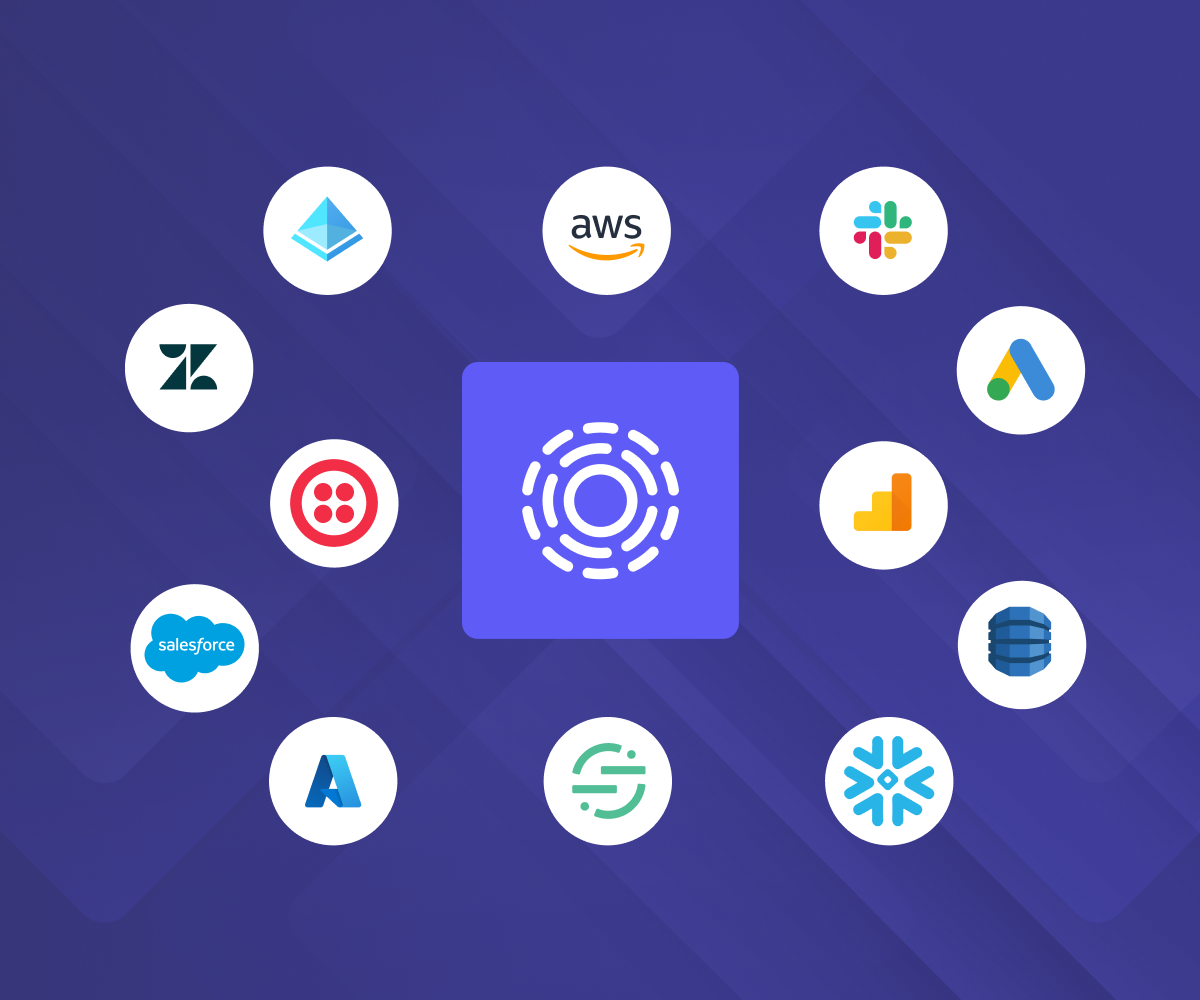
The broadest, deepest integrations
Manage data decisions across every system, including SaaS tools, data stores, warehouses, set up in a few clicks. One integration handles identity mapping, DSRs, discovery, and preference updates, instead of stitching together point solutions for each.
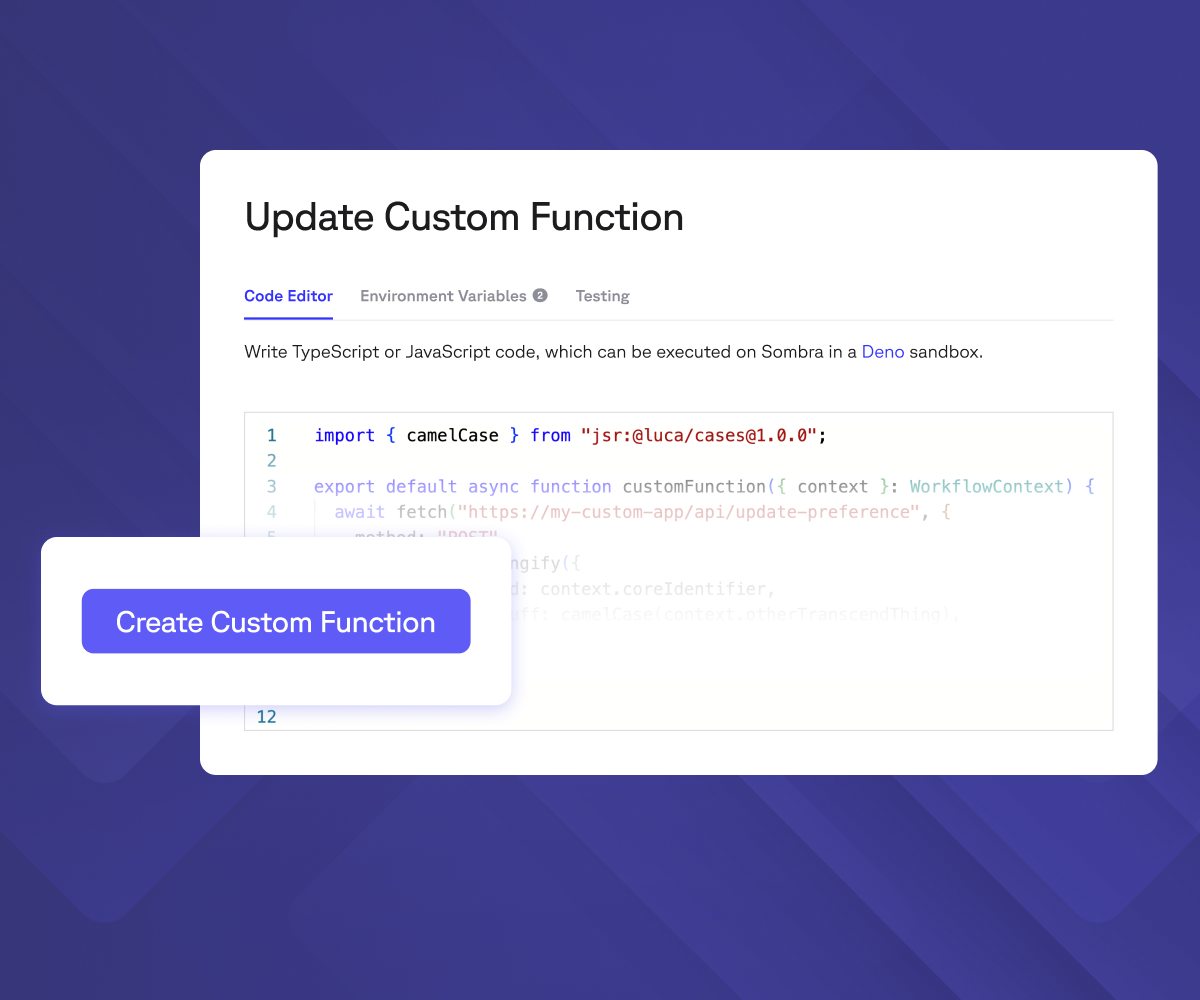
Unmatched extensibility
Homegrown system? Custom Functions let your engineering team write code once and plug it directly into Transcend's automation with no extra servers and zero infrastructure to maintain.
Read docs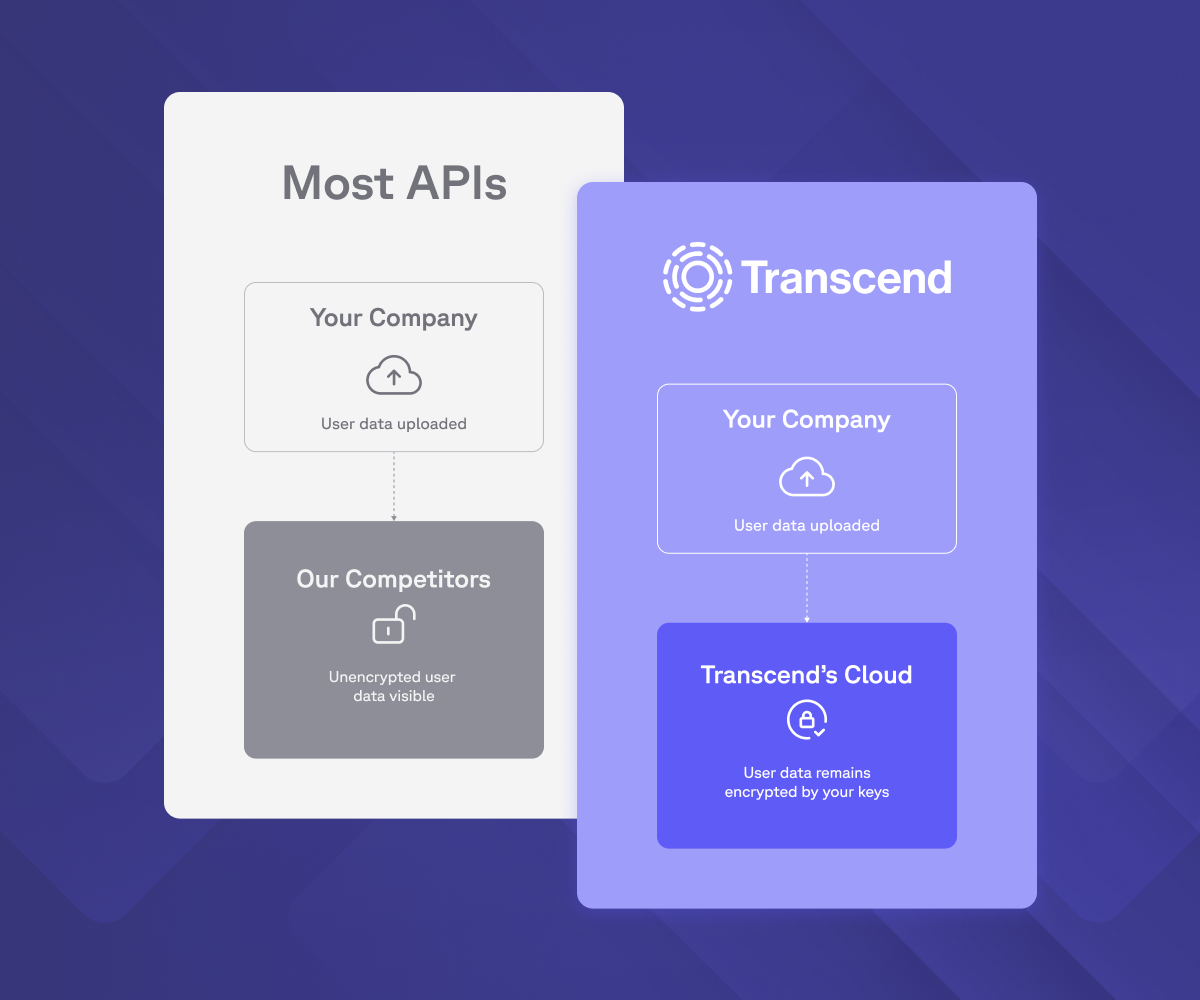
Security-first approach
Every integration runs on zero-trust architecture: isolated execution, private subnets, and credentials that never sit in shared infrastructure. The same Sombra gateway that protects your data protects every connection into it.
Learn more“Customers reported that the integrations were seamless despite the patchwork of data sources Transcend was required to integrate into.”
Ryan O'Leary
Research Director for IDC's Security and Trust Program
Your AI runs on integrations. Ready to govern them?
Every integration feeds the same question: "Can I use this data?" Trusted by Fortune 100 companies to answer it at scale, across every system.
Book a demo
MarketScape Leader

Highest User Adoption

Leader, Privacy UX MQ

Technology Fast 500

World Changing Ideas

Solution of the Year
Most Innovative Companies

Technology of the Year